I’ve come to think of scrolling as the most insidious, addictive, time-wasting aspect of modern apps and websites.
Since reducing my iPhone screen time to less than an hour a day in November, I’ve been looking for ways to optimize my time spent browsing on my laptop. A few weeks ago, I realized I had spent over 30 minutes looking at kneeling chairs (of all things) on Amazon, most of which are 99% identical. And after auditing my subreddits, I noticed many were basically outrage bait or gossipy gawking - r/relationships, r/amitheasshole, r/mildlyinfuriating, and so on (many of the most popular subreddits).
To customize my browsing and cut out time-wasting, I’ve been curating my Firefox add-ons over the last few weeks. The goals:
- Make scrolling more annoying.
- Make things I love doing more enticing.
If you’re looking to reduce your screen time, I hope these will be helpful to you. I’ll start with the more obscure options.
DelayWebpage

DelayWebpage is by far the most effective of all these options. It simply adds a timer before opening pages on domains you specify. Mine is set to 30 seconds. The creator also made it tedious to turn off.
The idea is to interrupt the instant gratification of opening up new content (which is a type of scrolling in itself). You’ll be surprised at how many times you open a page, encounter the blank screen, and realize you know what, I didn’t need to open this anyway.
Here’s what it looks like:

Redirector

This simple yet highly effective add-on allows you to redirect certain websites to a different domain. For example:
- facebook.com → coursera.org
- nytimes.com → learn.deeplearning.ai
I also have a few websites set to redirect to my custom “home screen” where I organize a display of activities I love doing.
Unhook

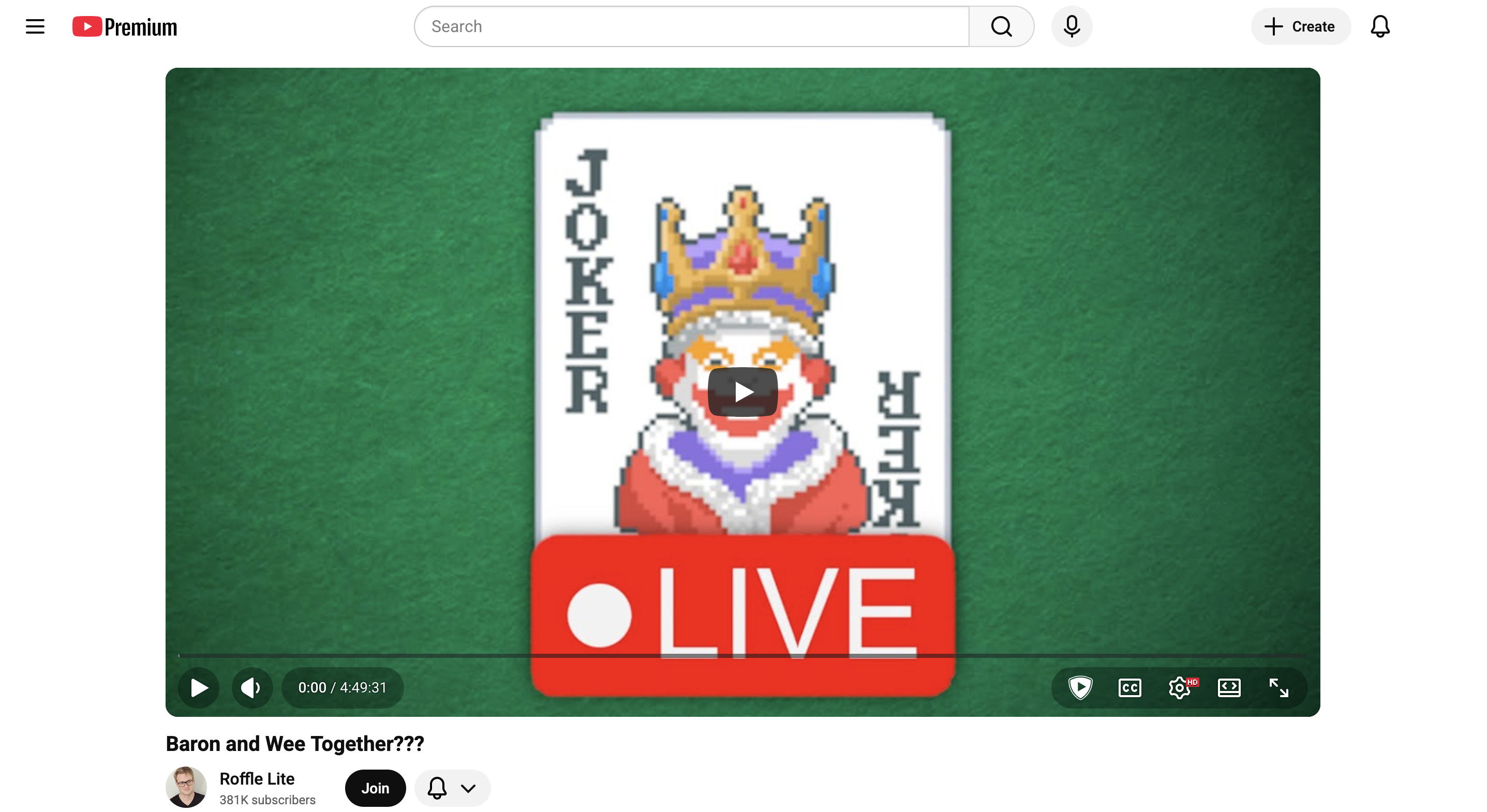
Unhook is a richly featured add-on that can remove basically every part of YouTube: recommendations, comments, buttons, the home feed, etc etc. I have everything off except comments, video info, and the top header. It’s amazing how much less enticing YouTube is without the ability to scroll.
SponsorBlock

A fantastic add-on that helps you skip sponsored sections in YouTube. Once you install this thing, you’ll start to realize how much of the content you watch is basically just an ad. Some videos are labeled entirely as “sponsored”. You can also label & submit segments for other users.
I pay for YouTube Premium, so I certainly don’t feel bad about using this extension.
Distraction Free Reddit

Similar to Unhook, Distraction Free Reddit can block nearly every aspect of the Reddit interface. I originally got it to hide all the sidebars, but I also block the home feed. The experience of browsing Reddit with this thing is almost zen.
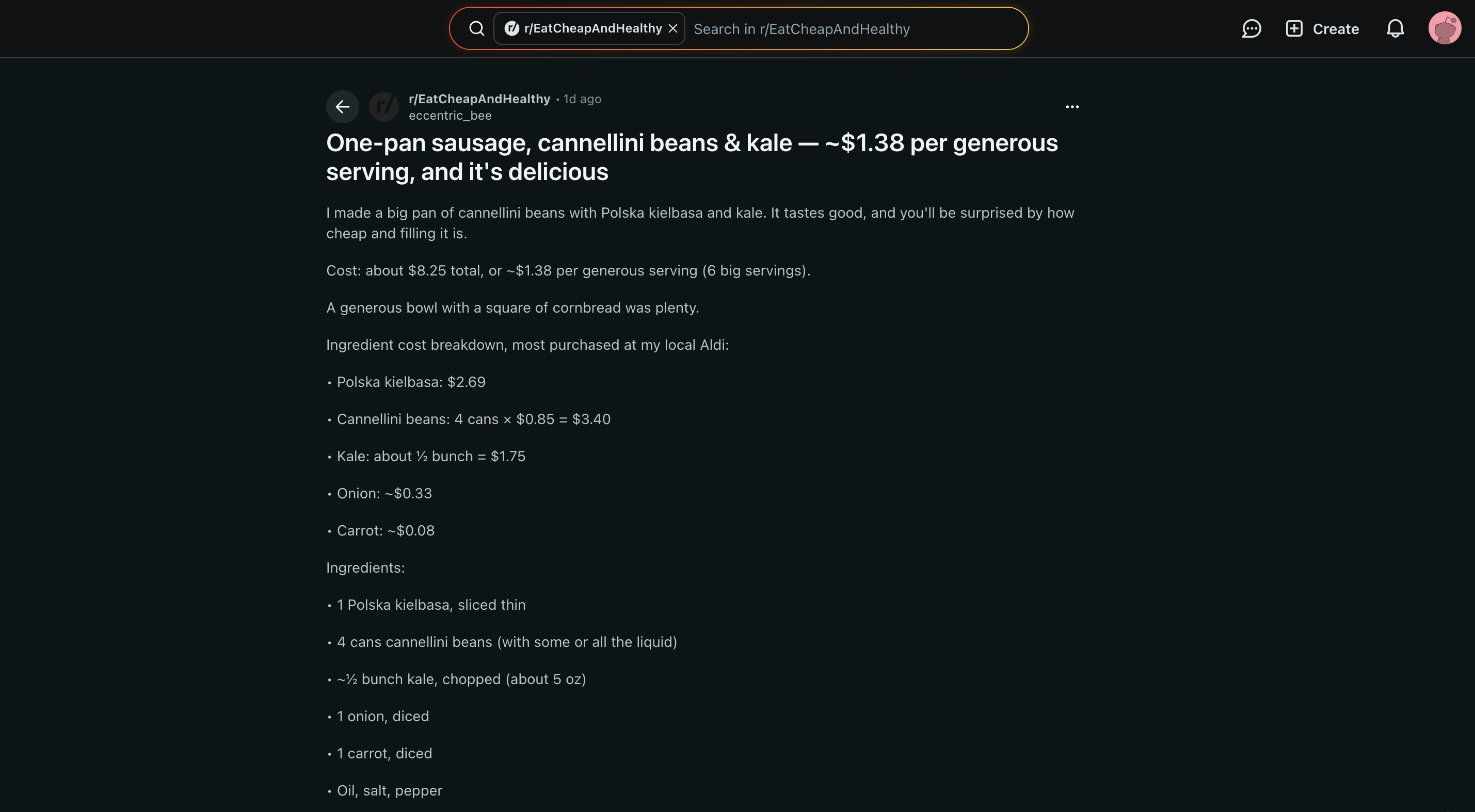
I also created three custom feeds for myself (an underutilized feature, in my opinion) - one for communities I’m a part of (like the Las Vegas area), one for computer science news, and one for lifestyle subs (for fitness and cooking). I bookmark these directly.
You’ll be surprised at how little information you actually care about rotates in each day. Most of what I was consuming on Reddit before wasn’t relevant to my life, nor do I feel any pull towards it now.
Another option you might consider is simply going back to old.reddit.com.
Honorable mentions
I’ve been shocked to see the number of people who do not have an adblocker installed! I think it’s mandatory. Give it a try if you haven’t.

