Part 1 of my sideloading series — read part 2.
I think the future of software looks like everyone building their own custom apps - agentic coding assistants have made the process easier than ever before. As usual, the difficult part is stitching together all the pieces - hosting, database, logins. The good news is many useful apps don’t need all that.
Sideloading (i.e. writing your own apps and installing them on your own device) has insane benefits:
- No ads
- No upsells
- Own all your own data
- Add custom functionality
- Remove junk functionality you don’t need
- Fix bugs in apps you use often
- Make everyday apps beautiful & delightful
This Saturday, I spent a couple of hours rebuilding & customizing two apps I use frequently: a counter app (to track macros & spending) and a period tracker.
A counter is a great first project for sideloading, because while it’s incredibly useful, on-device memory is all you need (no backend or db to speak of). I’ll detail the (somewhat more complicated) period tracker implementation in a part 2 to this post.
Gripes with Tally (the Status Quo)
I’ve been using Tally for several months to track three things: daily calories, daily protein, and weekly spending money. As simple as that seems, a few things about this app have always bothered me:
- Upsells every few times you open the app
- “Reset on” functionality rarely works (e.g. calories don’t reset to 0 each day)
- Unnecessary history & settings tabs
- Kinda ugly design
- App icon inexplicably says “73”
- No widget to display a counter on the lock screen
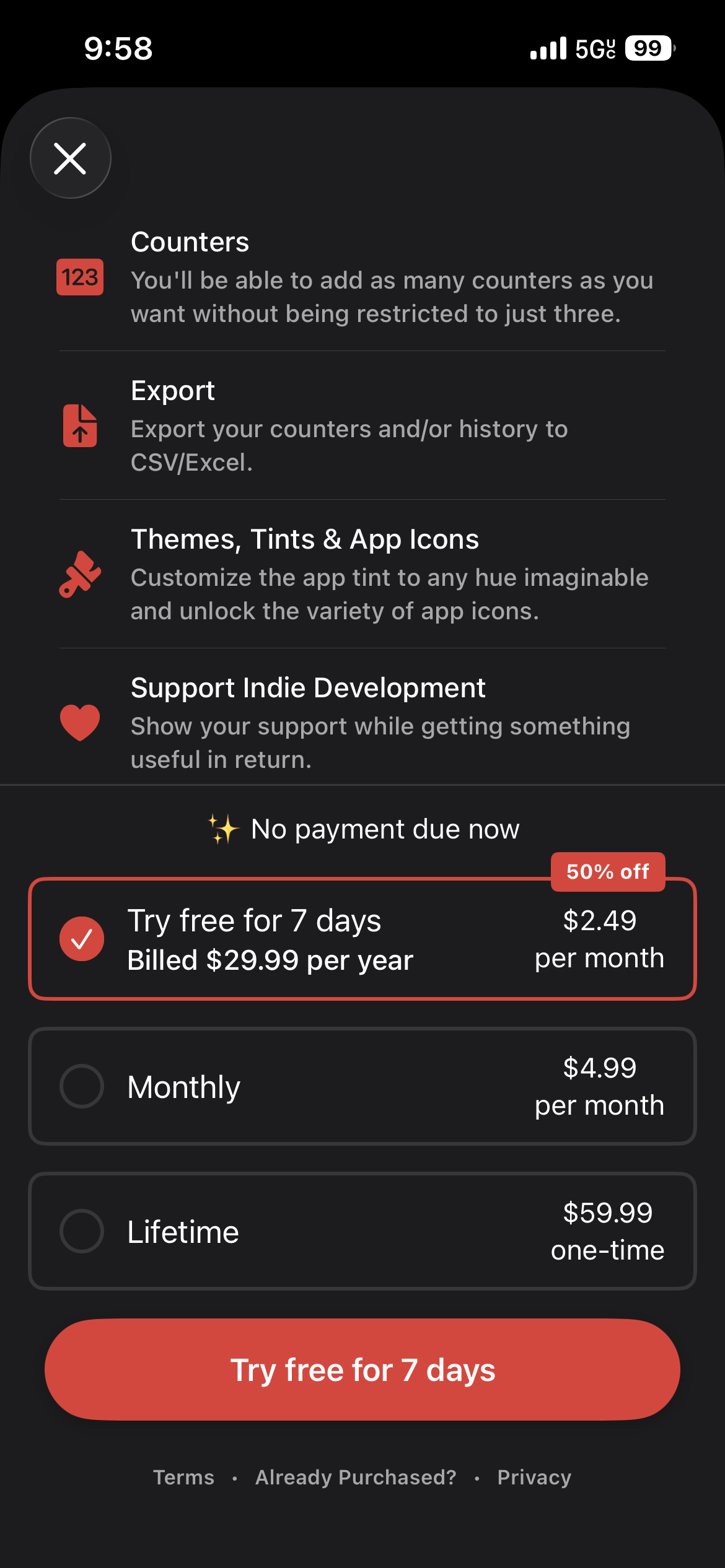
Every few times you open Tally, you're greeted with this screen.
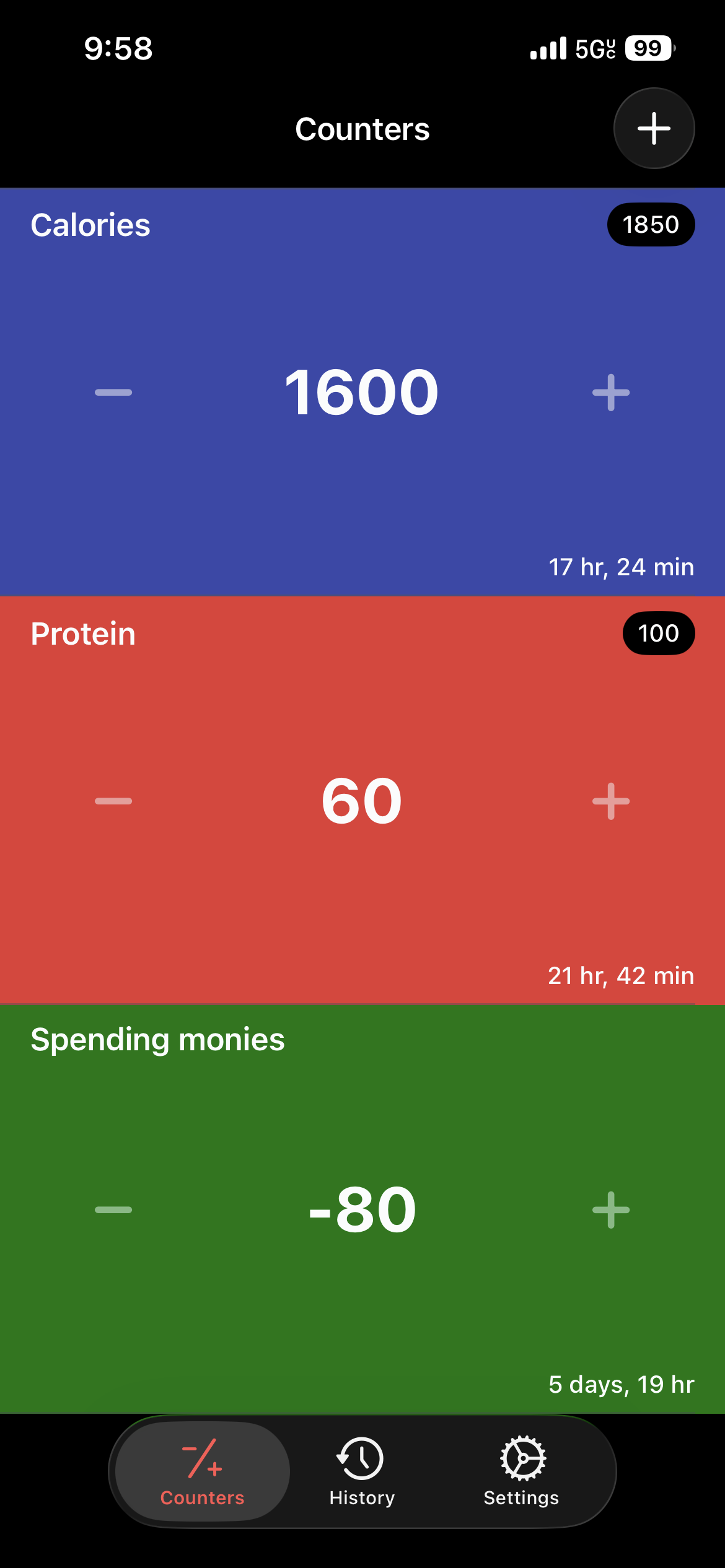
I don't love the blocky design.
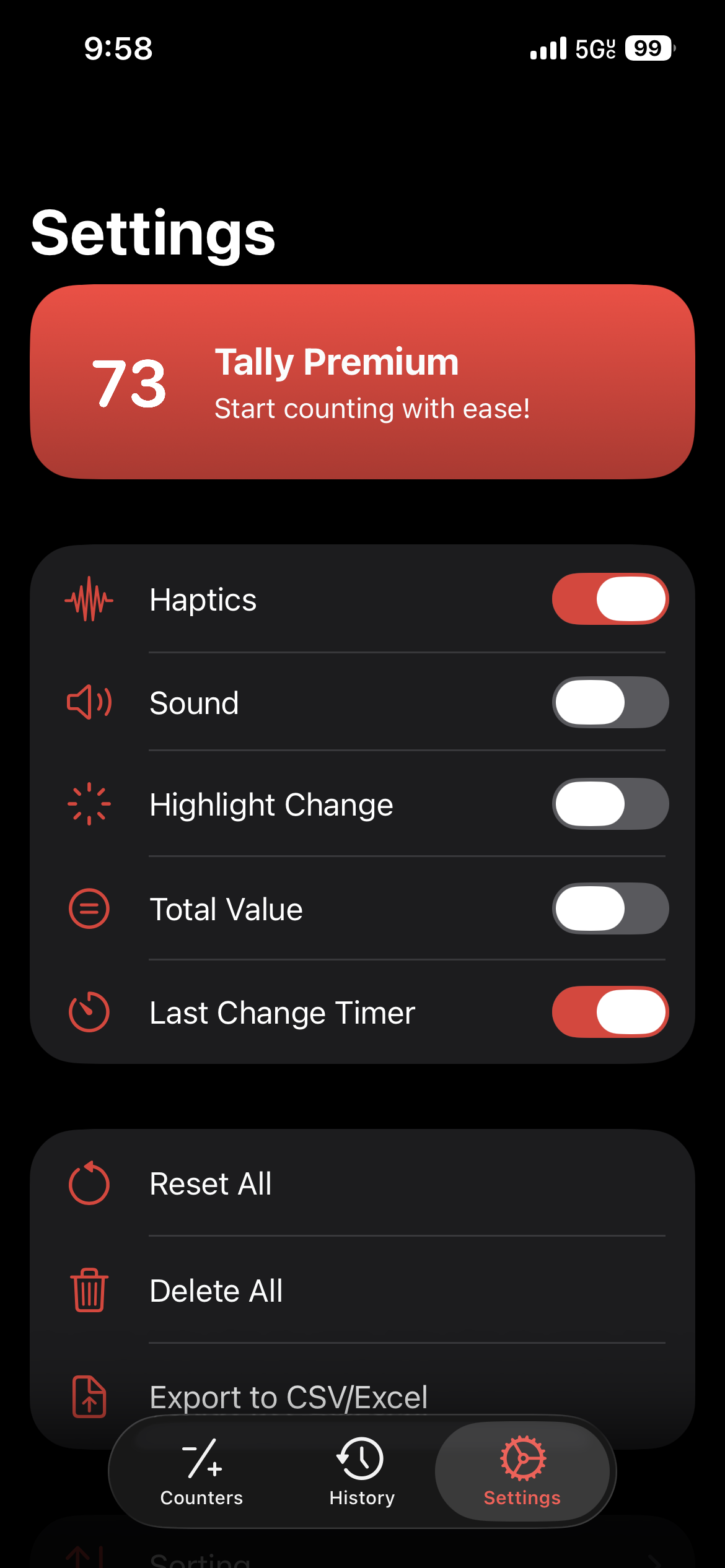
I never touch these settings (plus bonus upsell).
Sure, I could live with this - I did for awhile. But this is a piece of technology I use every day. I can make it better, customize it just for me. (Cats can have a little salami - if you know, you know.)
Introducing Blip
It took me less than an hour to rebuild the app my way (plus I got to give it a fun name):
- Flip clock-style counter & more refined design
- “Reset on” that actually works
- Lock screen counter widget
- Ultra minimal settings
- Of course, no ads or upsells
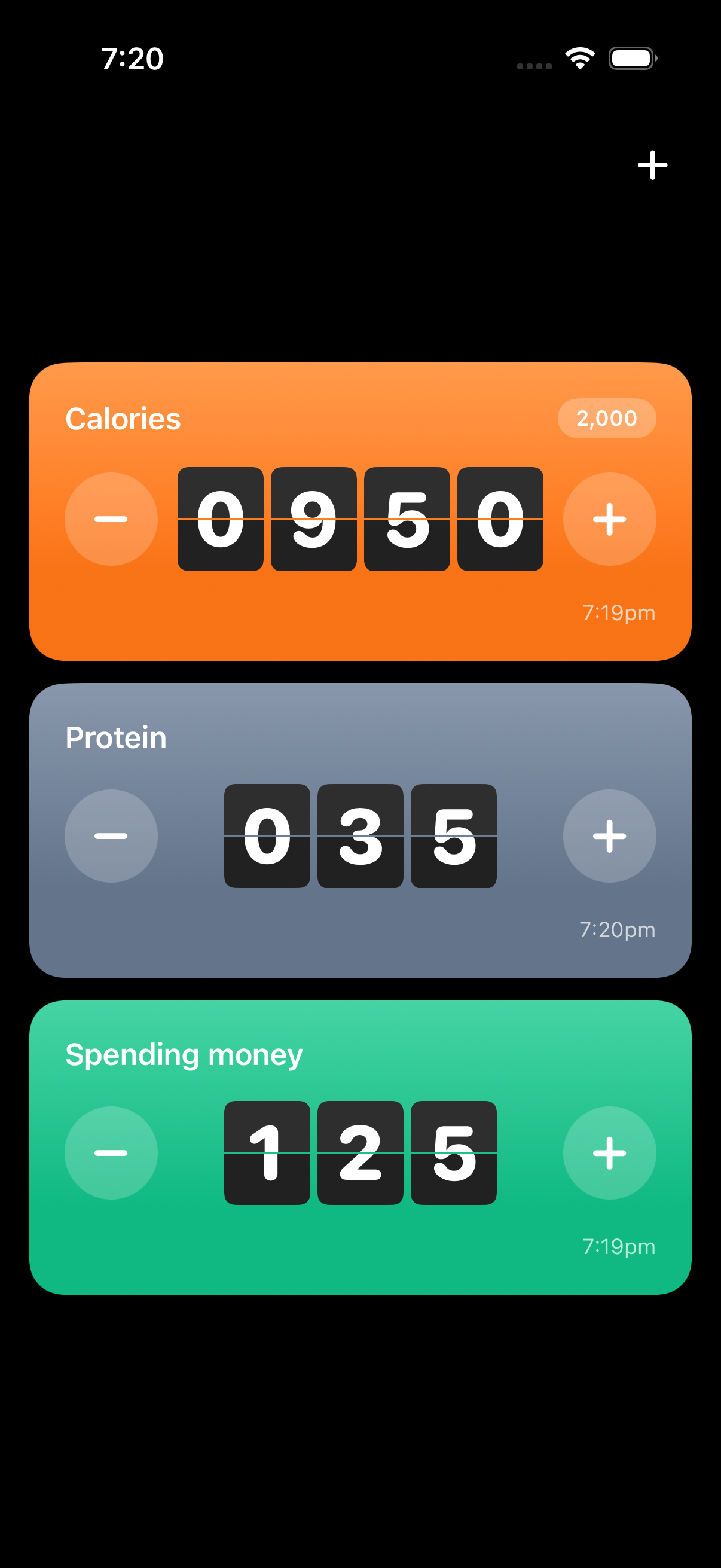
Modern, flip clock-inspired design with minimal settings
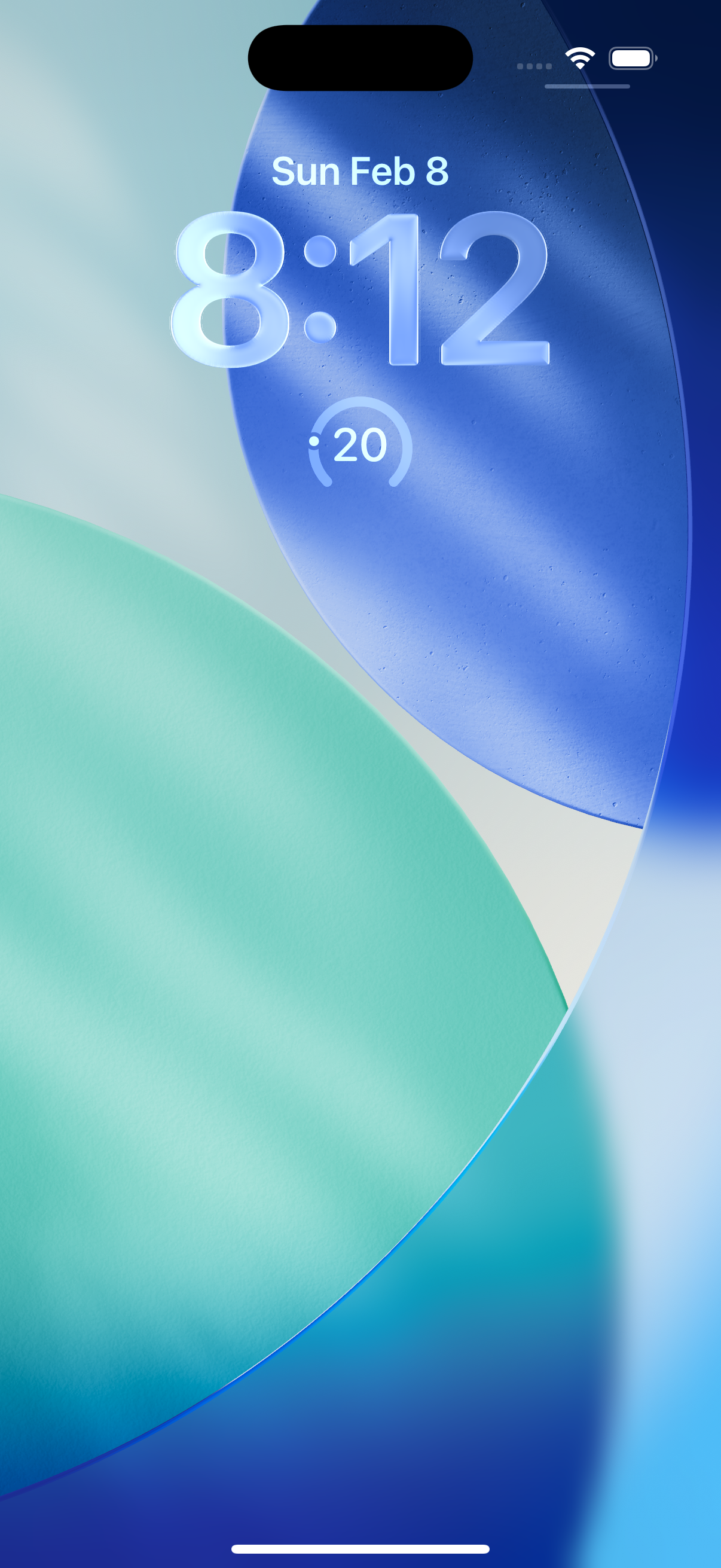
View a counter on the lock screen (this one's for protein)
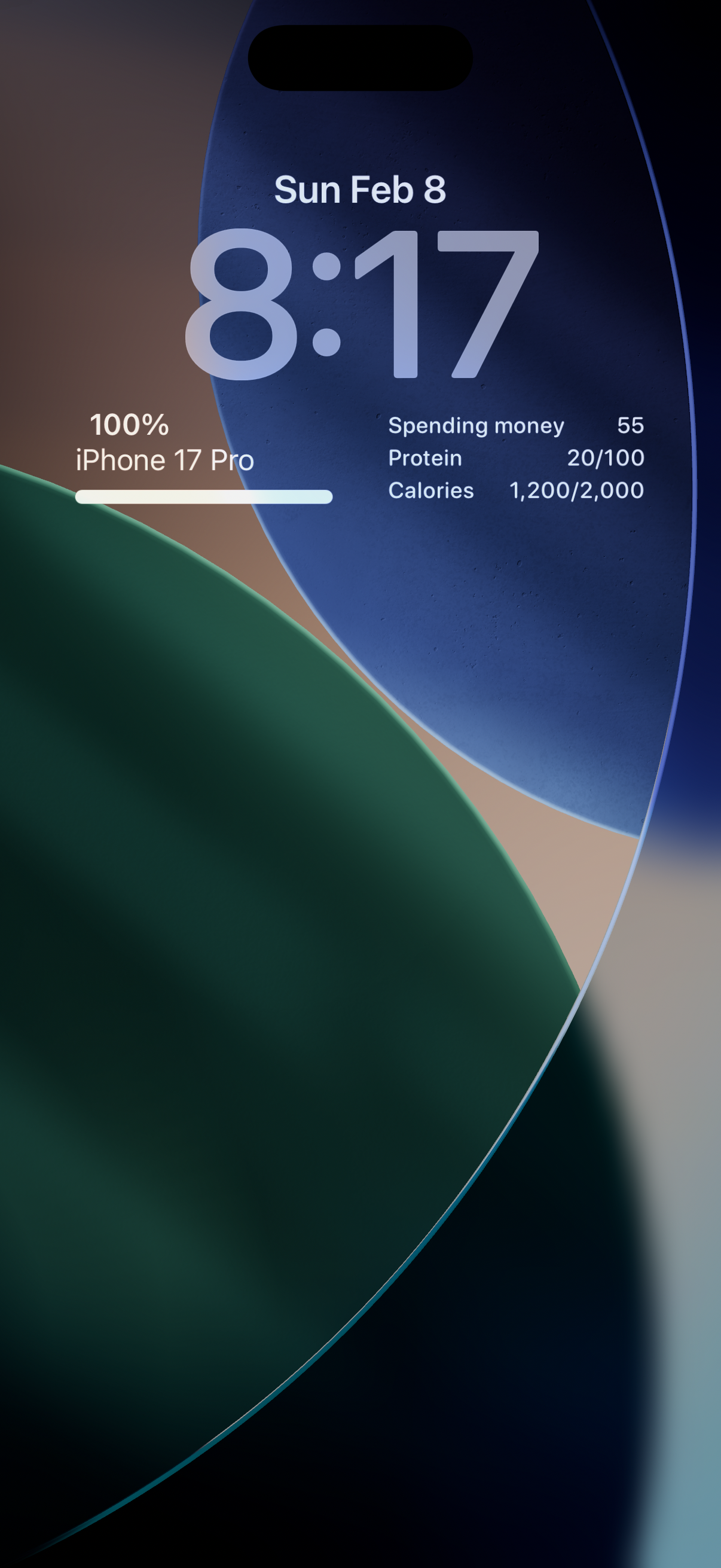
Or view multiple counters
You’re welcome to clone or fork Blip to create your own version. I’ve included instructions on how to build and sideload the app onto your iPhone in the repo README.
iOS Sideloading Challenges
Of course, sideloading has challenges - otherwise everyone would be doing it. Not every app can be replaced (I won’t be touching my banking apps anytime soon), and there’s an upfront time investment to building.
Aside from the obvious, there are also two hidden costs.
First, you probably need a paid Apple Developer account to sideload to any serious degree. Free accounts have two major restrictions:
- Only 3 apps can be actively signed at any given time
- App signatures expire after 7 days (you’ll get a “This app is no longer available” prompt after that)
Following the established freemium playbook, these restrictions make sideloaded apps borderline unusable. Although the EU enjoys much greater freedom when it comes to installing apps on iPhones via the DMA (including third-party app stores), sideloading restrictions are actually the same there; you’ll still want the paid account.
It’s a symptom of technofeudalism that I need to pay rent in order to load apps I built onto a device I own, and I’m loath to have to include a section on this topic in this post.
I haven’t yet coughed up the $99. I’ve been re-signing my apps every week. It’s as annoying as you’d imagine. For that reason, since getting into custom-built apps, I’ve strongly considered moving to an Android device. If so, I’ll certainly write about it!
The second, much more quotidian hidden cost of sideloading is hosting the backend. Blip stores all of its data on-device using SwiftData, and there’s no need to keep a historical record, so lost data isn’t an issue. But, as I’ll detail in my next post, many apps involve storing a larger amount of data for a longer term.
Luckily, I’ve found hosting costs to be surprisingly low for personal applications. (I pay <$10/month to host several websites and apps.) For many apps, a free plan works great. But, there’s certainly a psychological cost in keeping track of multiple recurring payments when otherwise your subscriptions would simply be linked to your Apple ID.
Bottom Line
I highly recommend giving sideloading a try. You can start by cloning Blip and getting it running on your device.
Building iOS apps for yourself has never been more accessible, and creating custom software to solve problems in your everyday life is incredibly satisfying. I hope to see what you build!